Write & dictate
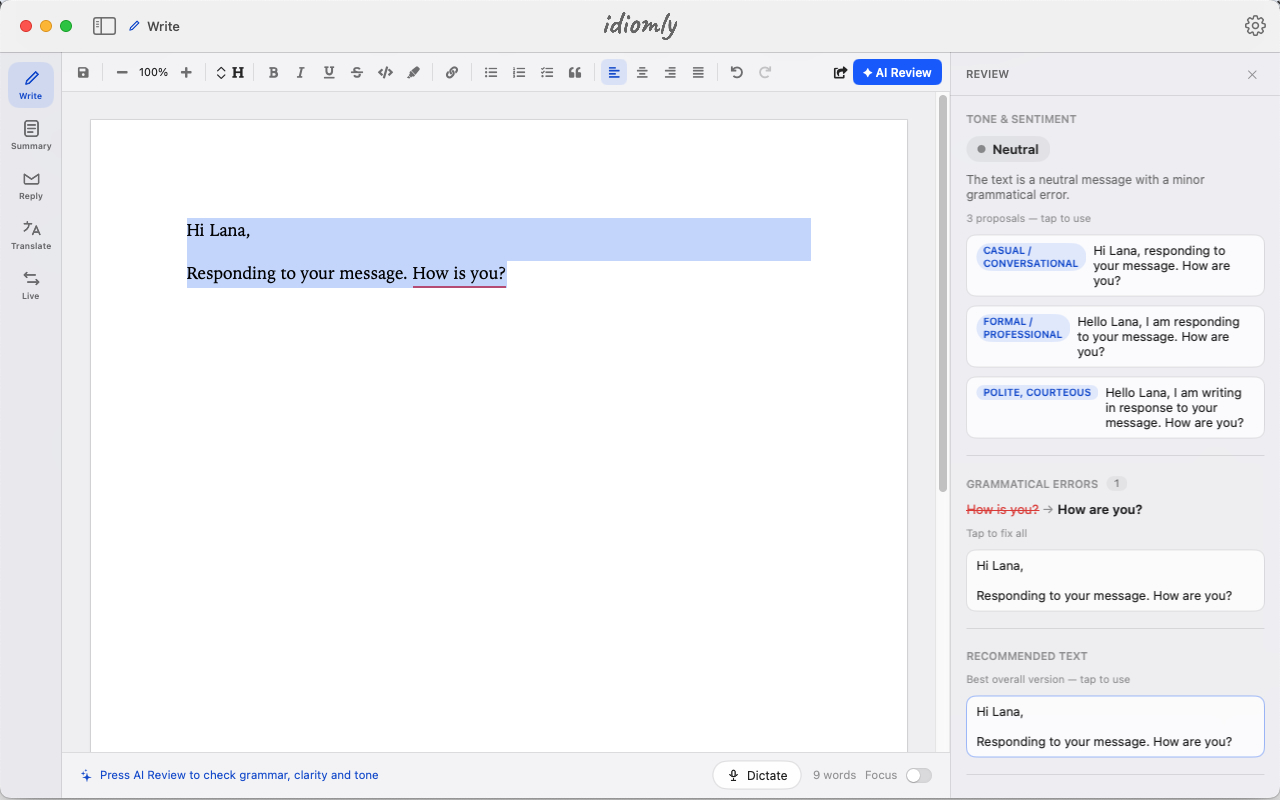
Grammar fixes, tone adjustments, and fresh structure suggestions as you type. Or speak — dictate straight onto the page and keep your hands off the keyboard.
Grammar · Tone · Restructure · Dictation
Fluent. Private. Offline.
idiomly writes your emails, dictates your notes, summarizes your reading, and translates a room in real time — with AI that runs entirely on your Mac. Nothing logged. Nothing tracked. Nothing watermarked.
Writing help, replies, a reading companion, two kinds of translation, and 30+ tones to fine-tune how you sound — all in one native app, all without a connection.
Grammar fixes, tone adjustments, and fresh structure suggestions as you type. Or speak — dictate straight onto the page and keep your hands off the keyboard.
Hand idiomly an email or a Slack message and get a reply drafted back. Then set how it should land — quick and casual, buttoned-up formal, or anywhere in between.
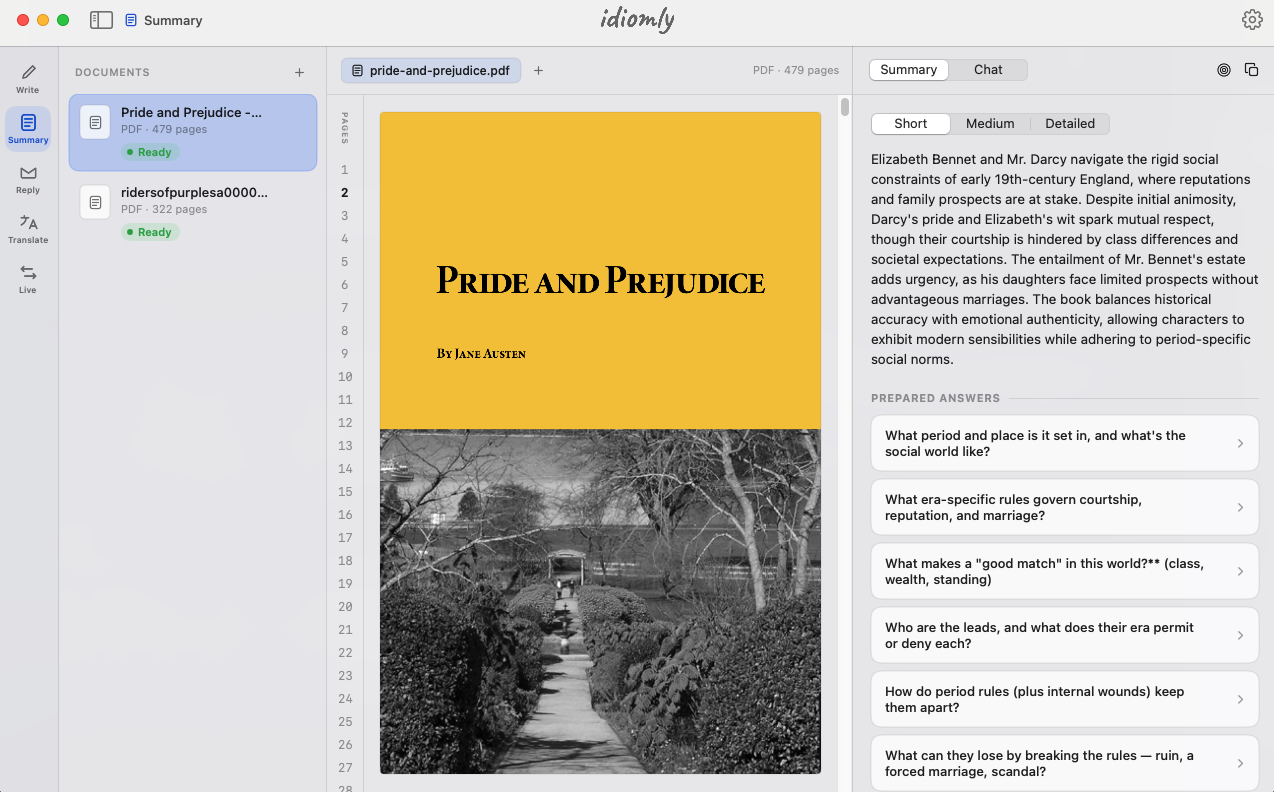
Drop in a book or a report and get the gist in seconds. Then ask anything — idiomly answers from the text, like a reading companion that already finished it.
Turn any passage into another language without leaving your document. Paste it in, pick a language, and keep working.
Built for seminars, webinars, and meetings — idiomly listens and translates as people speak, so you follow along in your own language. No dial-in, no bot on the call.
Dial in exactly how you come across — formal, warm, direct, diplomatic, playful. Rewrite any text through more than thirty tones until it sounds like you meant it.
Drop in any book, corporate report, or academic paper and extract the core insights in seconds. The platform natively analyzes complex layouts across 200+ document types, allowing you to instantly pull out critical data points, action items, and structural outlines. It also acts as an interactive reading companion, letting you ask immediate follow-up questions directly to your files.
Formal for the board, warm for a colleague, playful for a friend. Pick a tone and idiomly rewrites your text to match — then keep nudging until it sounds like you. It works everywhere you write, from a first draft to a Reply.
Turn on Live and idiomly translates continuously as people speak — a running feed you can read while the conversation happens. No dial-in, no cloud service, no one else on the call.
There's no cloud to trust, because there's no cloud. The models run on your machine, so your words never travel — not to us, not to anyone.
No internet, no account, no sign-in. Open the app on a plane and it works exactly the same.
No hidden logs on your Mac and nothing dumped to the console. There's no trail to leak later.
No telemetry, no third-party SDKs, no usage metrics. We can't see what you do because we never look.
Your writing is never a data source. It isn't sold, shared, or turned into a profile that follows you around.
Switch off Wi-Fi, unplug the ethernet, then use every feature. Open Activity Monitor and watch the network stay at zero. The demo is that nothing happens.
idiomly runs a model tuned to fit on Apple Silicon and do a few things well — write, reply, summarize, translate — not everything a data-center model attempts. For the writing you actually do every day, you won't feel the difference. And it works on a plane.
Results arrive as plain, unwatermarked text — yours to keep, publish, or paste anywhere, with nothing tagging where they came from or how they were made.
Open it and start writing — nothing to sign up for, nothing to configure.
Download for MacRequires Apple Silicon (M1 or later) · Web and mobile planned